EVAVPN
The best VPN app for your device
APPSTORE
Downloads
1,200,000
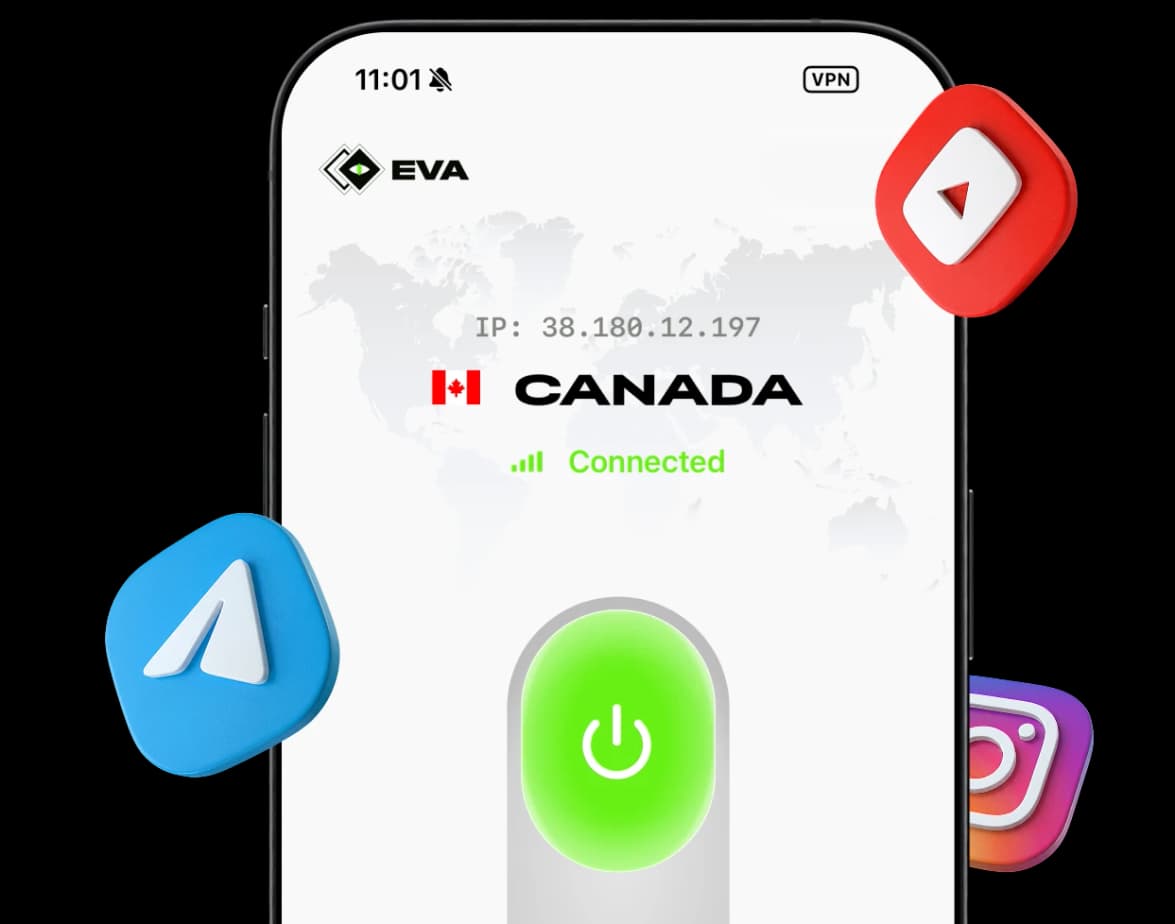
To start using the latest version of EVA VPN on Windows, download and install our app below.
DownloadGet your VPN key in two steps:
Go to VPN keys tab in your profile or just click "Get the key" — you'll be redirected to your account.
Get the keySelect a region and click "Get" to generate a VLESS key and click the "Copy" button.
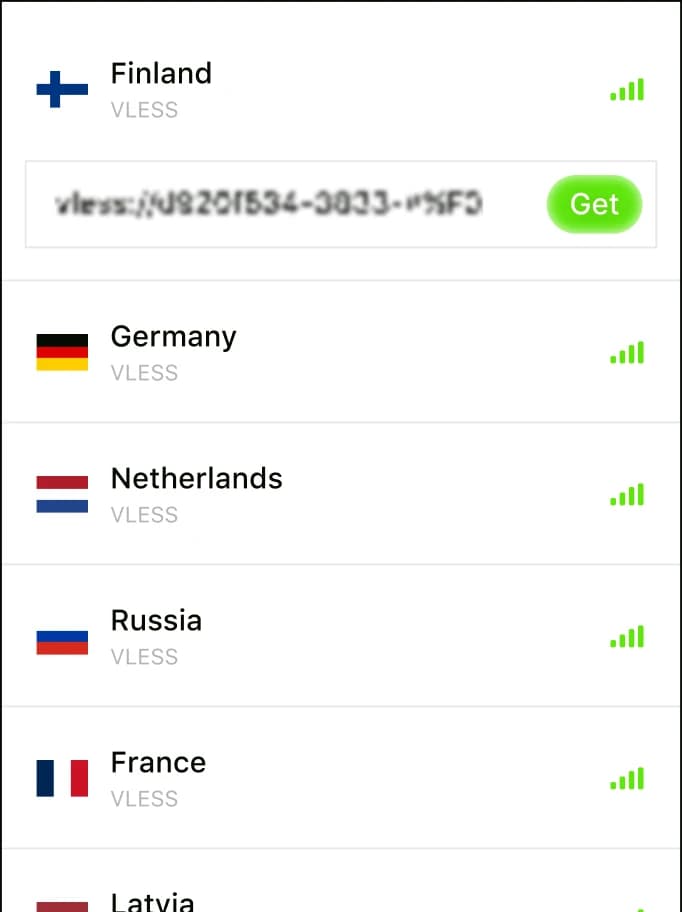
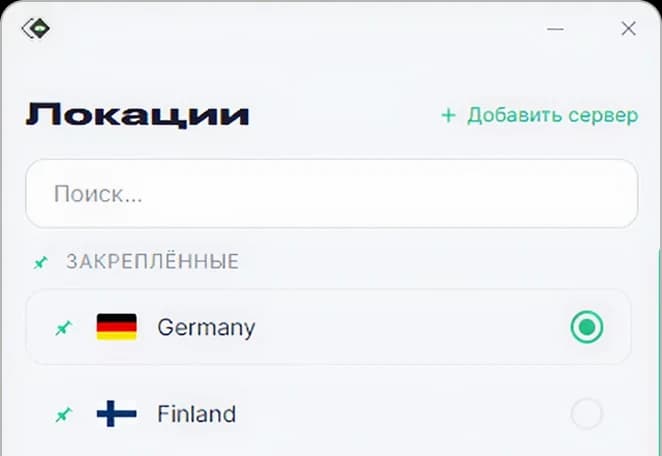
Paste the key into EVA VPN on Windows, and connect.
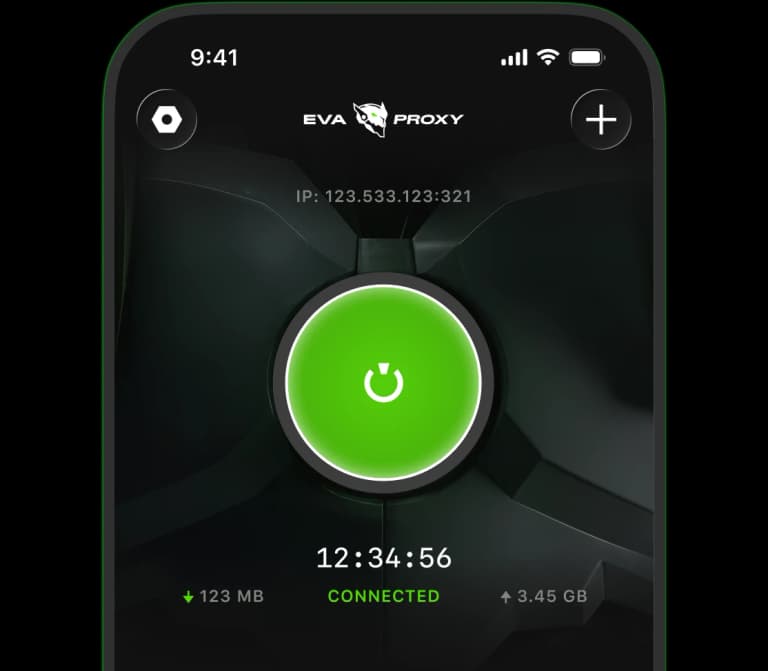
To insert a key: tap the "+" icon in the top-right corner, then paste your key — manually, from the clipboard.

How EVA VPN works
Fast, private, and borderless internet just one click away
Security
Built-in encryption protects your data from hackers and ISPs.
Unblock anything
Access social networks, messengers and streaming services blocked in your country.
Speed & unlimited traffic
High-speed 10 Gbit/s servers. No data caps, no throttling.
Unlimited devices
One subscription — protect all your devices at once.